Substack vs ConvertKit (Now Kit): I Migrated. Here's the Truth.

When I moved my newsletter off ConvertKit a few years ago, I had roughly 600 subscribers and a $25-a-month bill. Today that newsletter has 42,000+ subscribers and grosses $267,537 in annualized revenue on Substack. The move didn’t do all of that — three years of publishing weekly did the heavy lifting — but if you’re weighing Substack vs ConvertKit, my migration is a useful before-and-after.
And the first thing that happened after the switch wasn’t growth at all: readers emailed me, unprompted, to say the newsletter was suddenly nicer to read. I’ve never forgotten that. Your platform choice is a reader-experience choice.
The short version: Kit (formerly ConvertKit) is an email-marketing platform built for automations, funnels, and selling digital products. Substack is a publishing platform with built-in discovery and one-toggle paid subscriptions. If the newsletter IS the product, pick Substack. If email is the marketing arm of a product business, pick Kit.
Kit vs ConvertKit: Same Tool, New Name
Quick housekeeping for anyone confused by search results: ConvertKit renamed itself Kit in 2024. Same product, same creator-focused email platform, new name. I’ll use both names here because that’s how people search.
What Kit Does Better Than Substack
Kit is genuinely excellent marketing software: visual automations, tagging and segmentation, landing pages, and commerce tools for selling courses and digital products. Its free plan now covers up to 10,000 subscribers (with limits, like a single automation), with paid plans from around $33–$39 a month at 1,000 subscribers and climbing with list size. If your business is courses, coaching, or products, and the newsletter exists to sell them, Kit is built for exactly you.
What Substack Does Better Than Kit
Substack grows you. Kit held my list — competently, politely — but it never brought me a single reader. Substack’s recommendations and Notes are a real discovery engine: 42,000+ subscribers in three years, no paid ads. Paid subscriptions are also radically simpler — one toggle, readers’ cards already on file — versus assembling your own paid stack. And the reading experience is the thing my subscribers emailed me about.
The Cost Comparison
Substack is free until you monetize, then takes 10% of paid revenue (full fee math here). Kit charges by list size whether or not you earn a cent — at my current list size, Kit would run me hundreds of dollars a month before the first dollar of income. For a writer starting out, free-until-you-earn is hard to argue with.
Who Should Pick Which
Pick Kit if: you sell courses or products, live and die by automations and segments, or need your email list deeply integrated with a sales funnel.
Pick Substack if: the writing is the product, you want discovery and paid subscriptions built in, and you’d rather publish than build funnels.
FAQ: Substack vs ConvertKit (Kit)
Can You Move From ConvertKit to Substack?
Yes — export your subscribers as a CSV and import them into Substack. I did exactly this at around 600 subscribers, and it took an afternoon.
Is Kit Free?
Kit’s free plan covers up to 10,000 subscribers with limited features. Paid plans add the full automation and commerce toolkit.
Can You Run a Paid Newsletter on Kit?
You can sell paid recommendations and products, but there’s no equivalent of Substack’s native paid subscriptions with a reader network attached. Most paid-newsletter writers will have an easier time on Substack.
Want Help Choosing (or Moving)?

I’ve made this exact migration myself and now help writers and founders design their newsletter stack inside my Substack consulting. Tell me where your list lives today, and I’ll tell you honestly whether moving is worth it.
For the bigger picture, my Substack resource hub has every guide, including the full rundown of Substack alternatives.

Hello! 👋 I’m Amy Suto. I’m a bestselling author, San Francisco content creator, and co-creator of the job board 🛋️ CozyJobs. Join CozyJobs to browse thousands of jobs and get daily matches to your inbox — writing and creative roles front and center!
GET ON THE LIST
Find your next writing job on 🛋️ COZYJOBS — thousands of jobs on a board updated daily, writing and creative roles front and center. ✨ The application tracker is free (basic CozyApply autofill is too), and paid plans start at $25/month with daily job matches straight to your inbox. Real writers are landing real work—don’t miss out.
FOLLOW ME ON GOOGLE
Add me as a preferred source and Google shows you more of my posts in Top Stories.

MY NEW BOOK: WRITE FOR MONEY & POWER
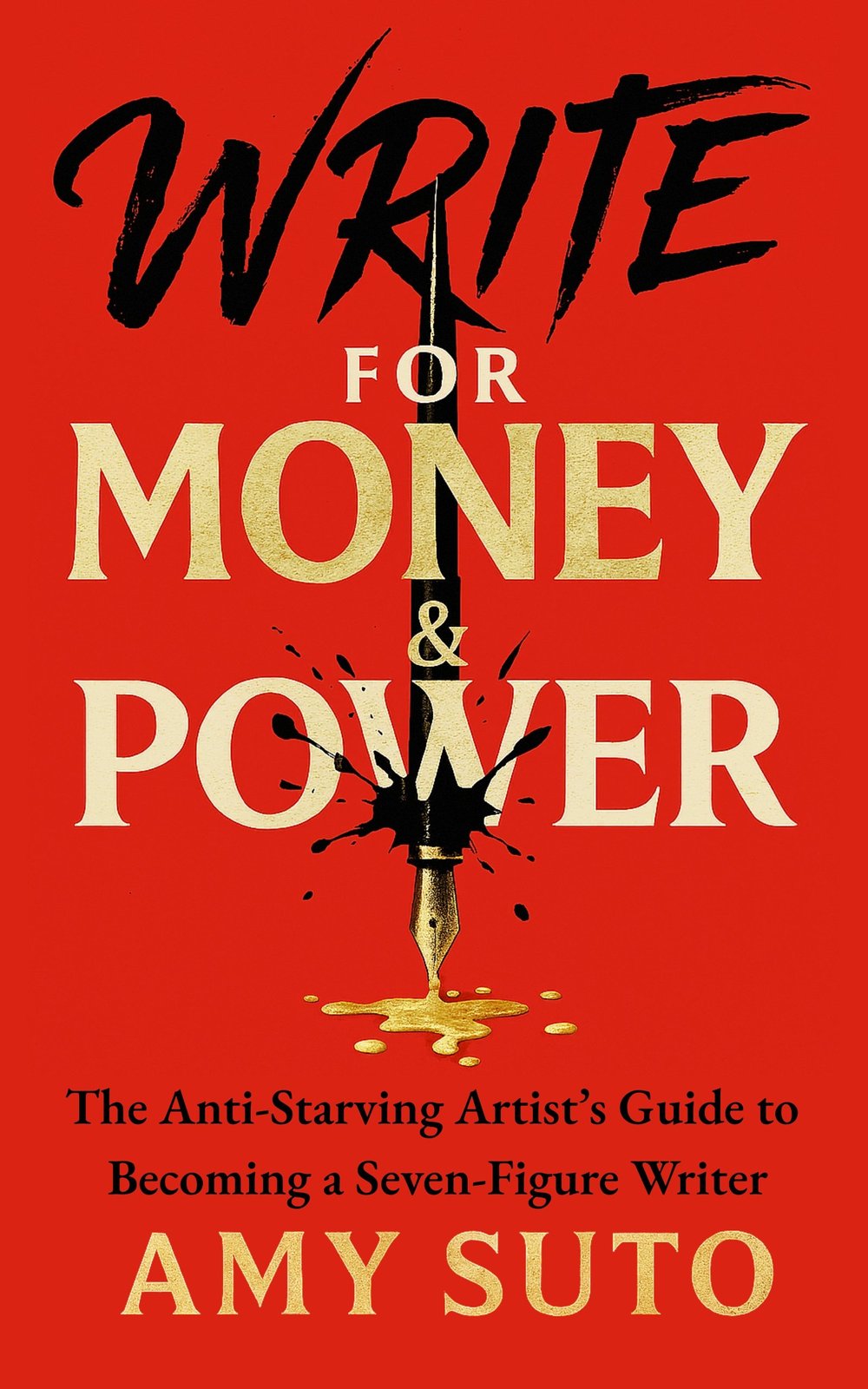
The anti-starving-artist's guide to becoming a seven-figure writer.
MY NEW NOVEL: LET ME BE YOUR GHOST

My romantic thriller arrives November 2026 — a ghostwriter with secrets, a billionaire CEO with more. Preorder one book, get two. Claim your bonus here →
MY ROMANTASY NOVEL: THE ASH TRIALS
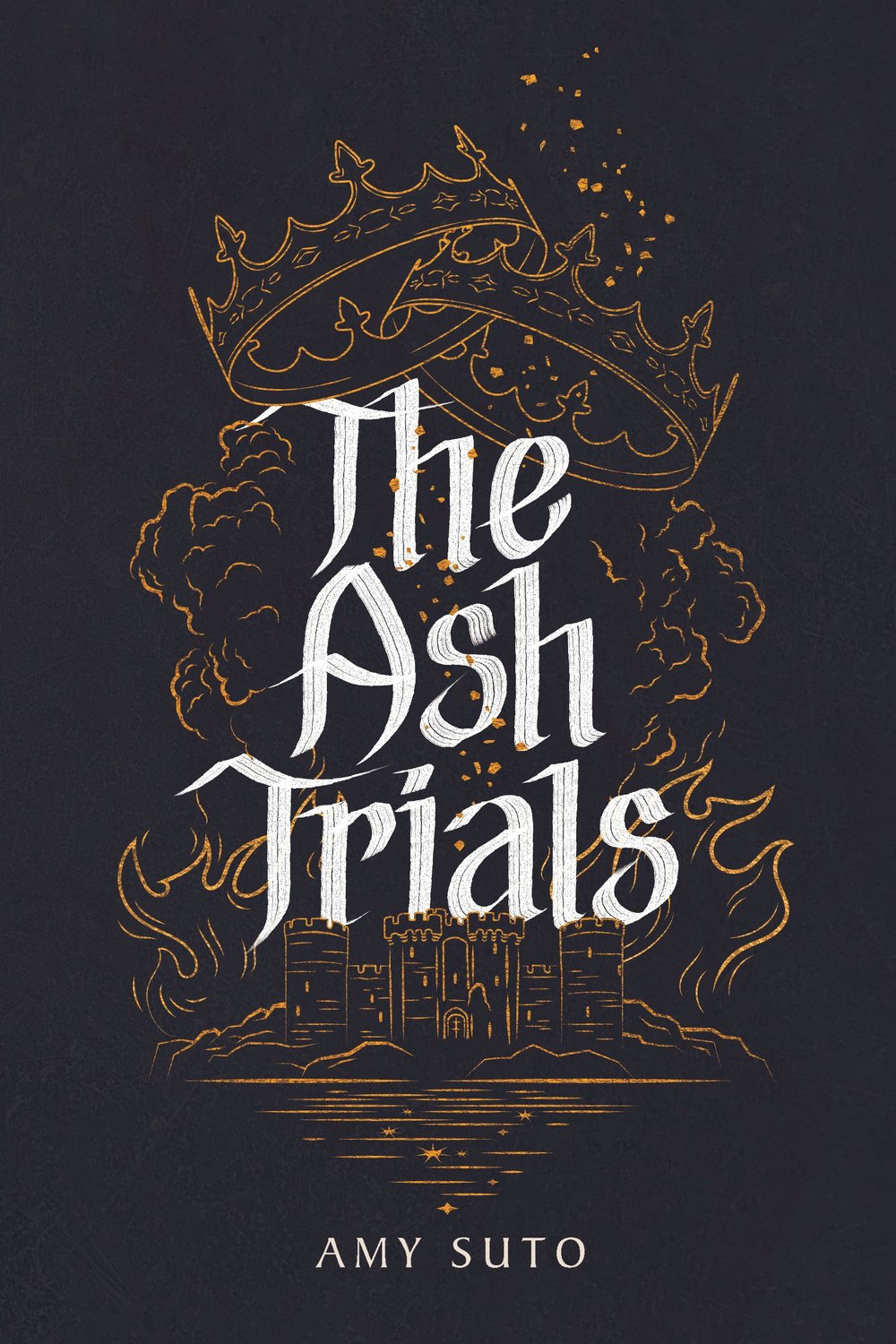
The deadliest game is remembering who you are.
MY DETECTIVE NOVEL: THE NOMAD DETECTIVE

Crime crosses borders, but so does this detective.
MY HOW-TO BOOK: SIX-FIGURE FREELANCE WRITER
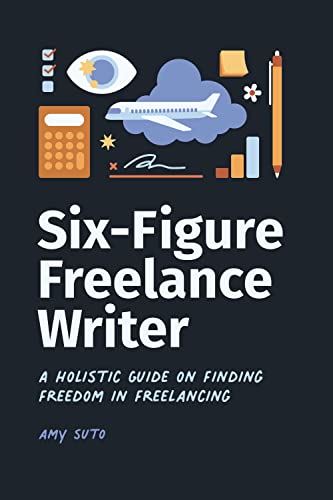
Work smarter, not harder — without the burnout.
RECENT POSTS
JOIN THE WRITING JOB BOARD
FOLLOW ME ON IG @SUTOSCIENCE