
How to Get an ISBN for Your Self-Published Book
Somewhere between finishing your manuscript and hitting publish, every indie author slams into the same bureaucratic wall: the ISBN question. Do you need one? Where do you buy one? And why does a string of thirteen digits cost more than your last four Kindle Unlimited binges combined?
I’m Amy Suto, and I’ve self-published four books, including a #1 Amazon New Release and a top-10 Amazon business book. When authors ask me how to get an ISBN, my answer has stayed the same for years, so I’m finally writing it down. Let’s break it down.
The short answer: you don’t need an ISBN to publish a Kindle ebook on Amazon (ebooks use Amazon’s ASIN instead), but every print edition needs one. Amazon offers a free print ISBN, but I recommend most authors buy their own from Bowker ($295 for a pack of 10) so their book isn’t tied to Amazon-only distribution.
What Is an ISBN and Do You Actually Need One?
An ISBN (International Standard Book Number) is the unique identifier that retailers, libraries, and distributors use to recognize a specific edition and format of your book. One important detail trips up almost every first-time author: you need a separate ISBN for each format. Your paperback, hardcover, and audiobook each get their own number. The ISBN also records who the publisher is, and that detail matters more than it looks, as you’ll see in a minute.
Whether you need one depends entirely on where and how you’re publishing.
Do You Need an ISBN to Self-Publish on Amazon?
For a Kindle ebook: no. Amazon assigns every ebook its own ASIN (Amazon Standard Identification Number), and that’s all you need to sell on the Kindle store. I go deeper on the whole process in my guide to how to self-publish a book on Amazon.
For a print book: yes, every print edition needs an ISBN. Amazon will offer you one for free during KDP setup, which sounds like an easy yes.
It’s not. Here’s the catch.
The Catch with Amazon’s Free ISBN
Amazon’s free print ISBN can lock you into only publishing your book on Amazon. That free number belongs to Amazon’s system, not to you — you can’t take it to IngramSpark or other printers and distributors, which is exactly where most authors end up wanting to publish once they get serious about bookstore, library, and international distribution.
So my advice to authors is simple: go to Bowker and buy your own. Owning your ISBNs gives you flexibility to publish the same edition everywhere, and it makes you look more legit, especially if you have an LLC or publishing company you want to publish under, because the ISBN lists you as the publisher instead of “Independently published.” (Talk to your CPA about the LLC side of that, of course.)
Where to Buy an ISBN (and What ISBNs Cost in 2026)
Buy directly from Bowker. It’s the official ISBN agency for publishers located in the United States, and ISBNs from anywhere else may not identify you correctly as the publisher. Never buy “cheap ISBNs” from resellers.
Bowker’s current pricing:
1 ISBN: $125
10 ISBNs: $295 (that’s $29.50 each, and the one I recommend)
100 ISBNs: $575 (for indie publishers with a real catalog planned)
The 10-pack is the play for almost everyone. Here’s the math: a single book usually needs two to three ISBNs to cover its formats, so the single-ISBN option runs out before your first book is even fully published. Buy the pack of 10 and you’re covered for your next several books — ISBNs never expire, so the spares just wait for you.
How to Register Your ISBNs with Bowker: A Quick Walkthrough
The process is less painful than it looks:
Create an account at myidentifiers.com (Bowker requires one to buy and manage ISBNs).
Buy the 10-pack. The ISBNs land in your account immediately at purchase.
Assign an ISBN to each format of your book (paperback, hardcover, audiobook) and fill in the title metadata. You can do this any time after buying, so it’s fine to stock up before your book is finished.
Enter your imprint or LLC as the publisher name. This is the whole point of owning your numbers: the industry databases now list your publishing company, not a retailer.
Paste the right ISBN into each platform when you set up your book on KDP, IngramSpark, and anywhere else you publish that edition.
That’s it. It’s a 20-minute errand that permanently upgrades how your books show up in the publishing supply chain.
FAQ: ISBNs for Self-Published Books
Do ISBNs Expire?
No. ISBNs never expire, which is why buying the 10-pack early makes sense. You can assign them to books years from now.
Does an ISBN Copyright Your Book?
No. An ISBN is an identifier, not legal protection. It conveys no copyright at all. Copyright in the US exists from the moment you write the work, and registration is a separate (worthwhile) process.
Do You Need a New ISBN for a Revised Edition?
Yes. A new edition or a different format counts as a different product, and each one needs its own ISBN so retailers can tell customers exactly what they’re buying.
How Many ISBNs Does One Book Need?
One per format. A book released as a paperback, hardcover, and audiobook needs three. Kindle ebooks on Amazon don’t need one (they use an ASIN).
How I Help Authors Publish Their Books
I’ve taken four of my own books from blank page to published, and I help clients do the same, from memoir ghostwriting to developmental editing to publishing support that covers exactly these unglamorous-but-important details. I only take on a limited number of clients each year, so if you’re ready to invest in your story, reach out via the form below and tell me about your book:

More Self-Publishing Resources
How to Self-Publish a Book on Amazon: The Ultimate Guide — the full process, from formatting to launch
3 Mistakes to Avoid When Self-Publishing on Amazon KDP — the launch-killing errors I see most often
Self-Publishing vs. Traditional Publishing — why I chose the indie path for all four of my books
How to Hire a Book Editor — because quality control is on you now

Hello! 👋 I’m Amy Suto. I’m a bestselling author, San Francisco content creator, and co-creator of the job board 🛋️ CozyJobs. Join CozyJobs to browse thousands of jobs and get daily matches to your inbox — writing and creative roles front and center!
GET ON THE LIST
Find your next writing job on 🛋️ COZYJOBS — thousands of jobs on a board updated daily, writing and creative roles front and center. ✨ The application tracker is free (basic CozyApply autofill is too), and paid plans start at $25/month with daily job matches straight to your inbox. Real writers are landing real work—don’t miss out.
FOLLOW ME ON GOOGLE
Add me as a preferred source and Google shows you more of my posts in Top Stories.
MY NEW BOOK: WRITE FOR MONEY & POWER
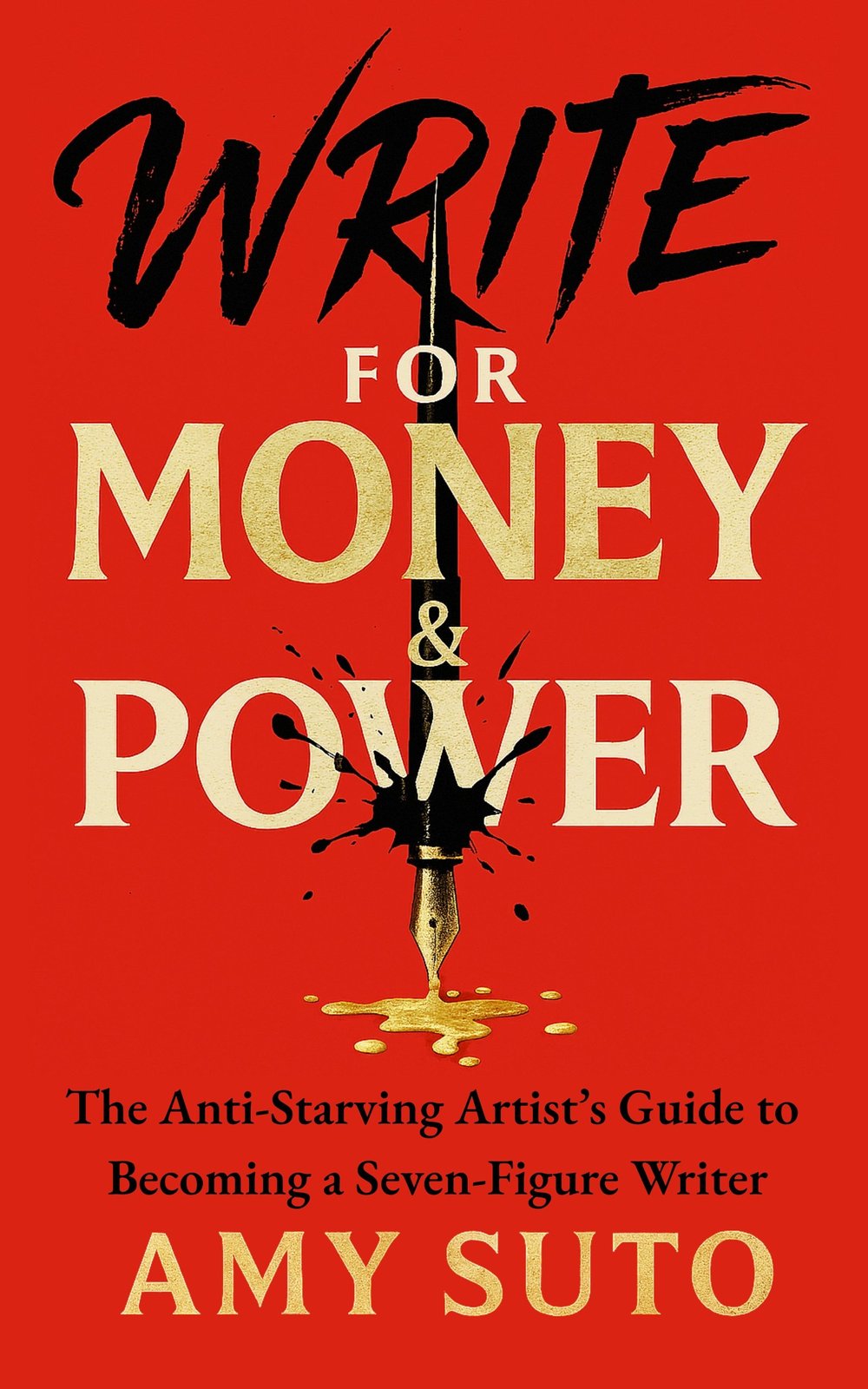
The anti-starving-artist's guide to becoming a seven-figure writer.
MY NEW NOVEL: LET ME BE YOUR GHOST
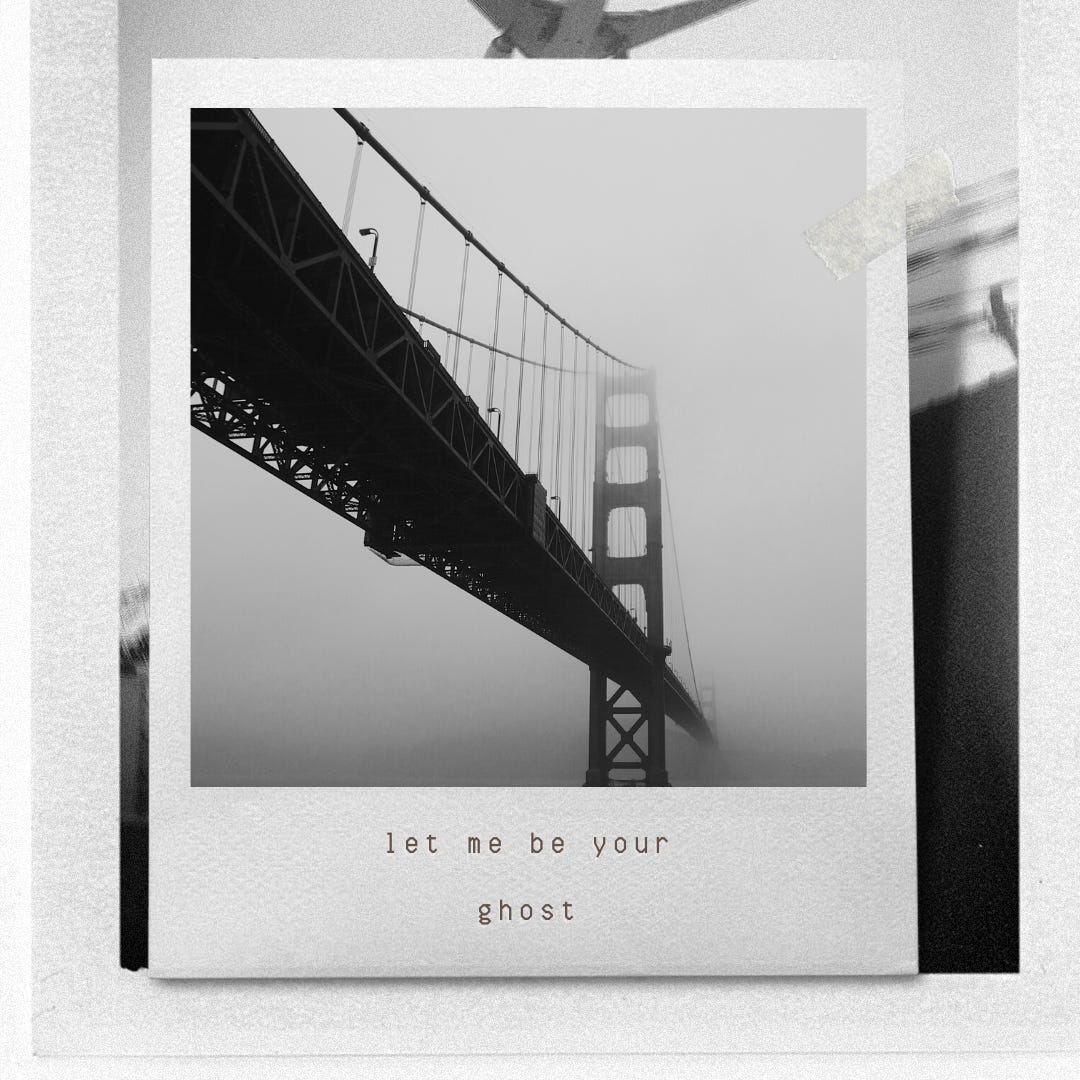
My romantic thriller arrives November 2026 — a ghostwriter with secrets, a billionaire CEO with more. Preorder one book, get two. Claim your bonus here →
MY ROMANTASY NOVEL: THE ASH TRIALS
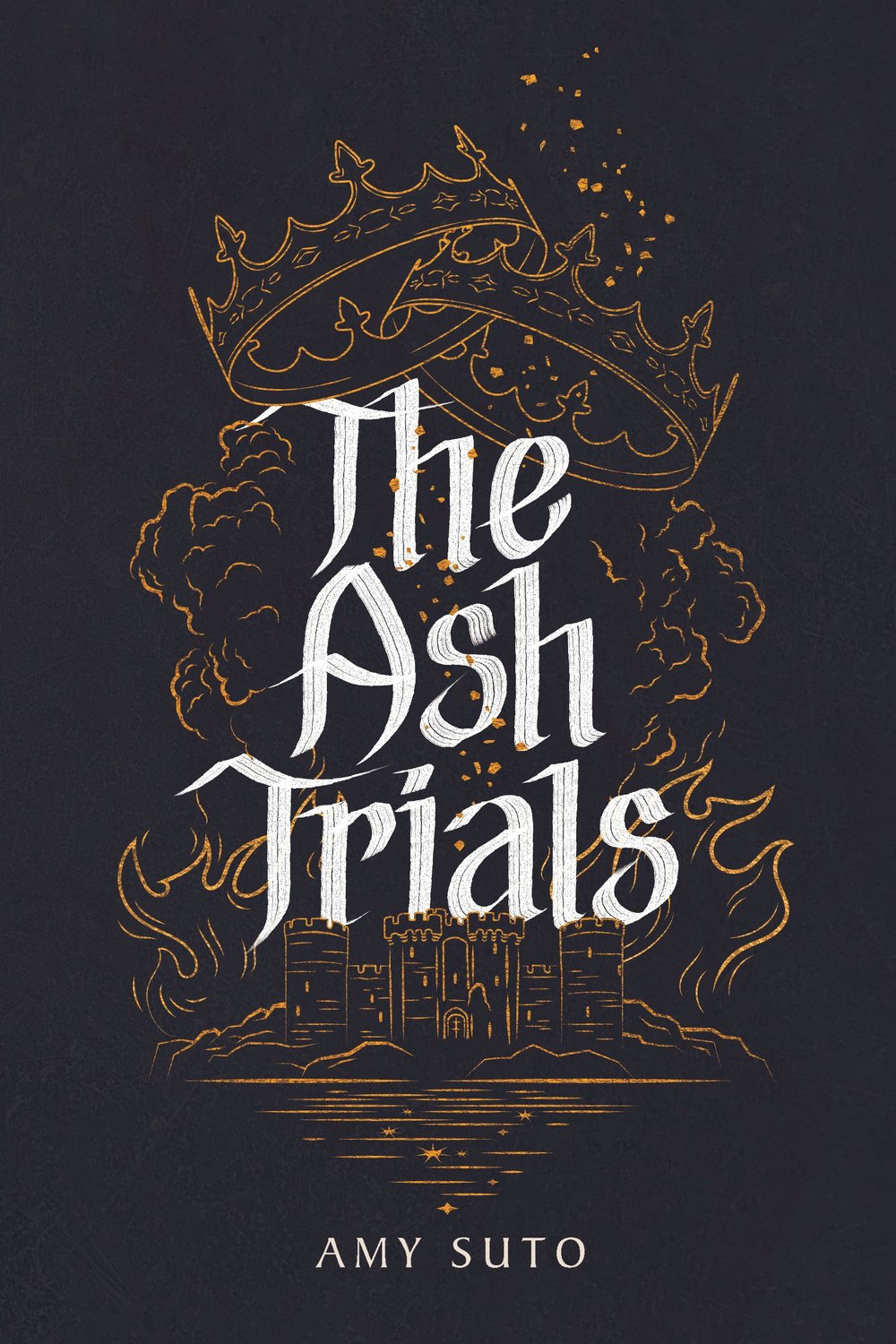
The deadliest game is remembering who you are.
MY DETECTIVE NOVEL: THE NOMAD DETECTIVE
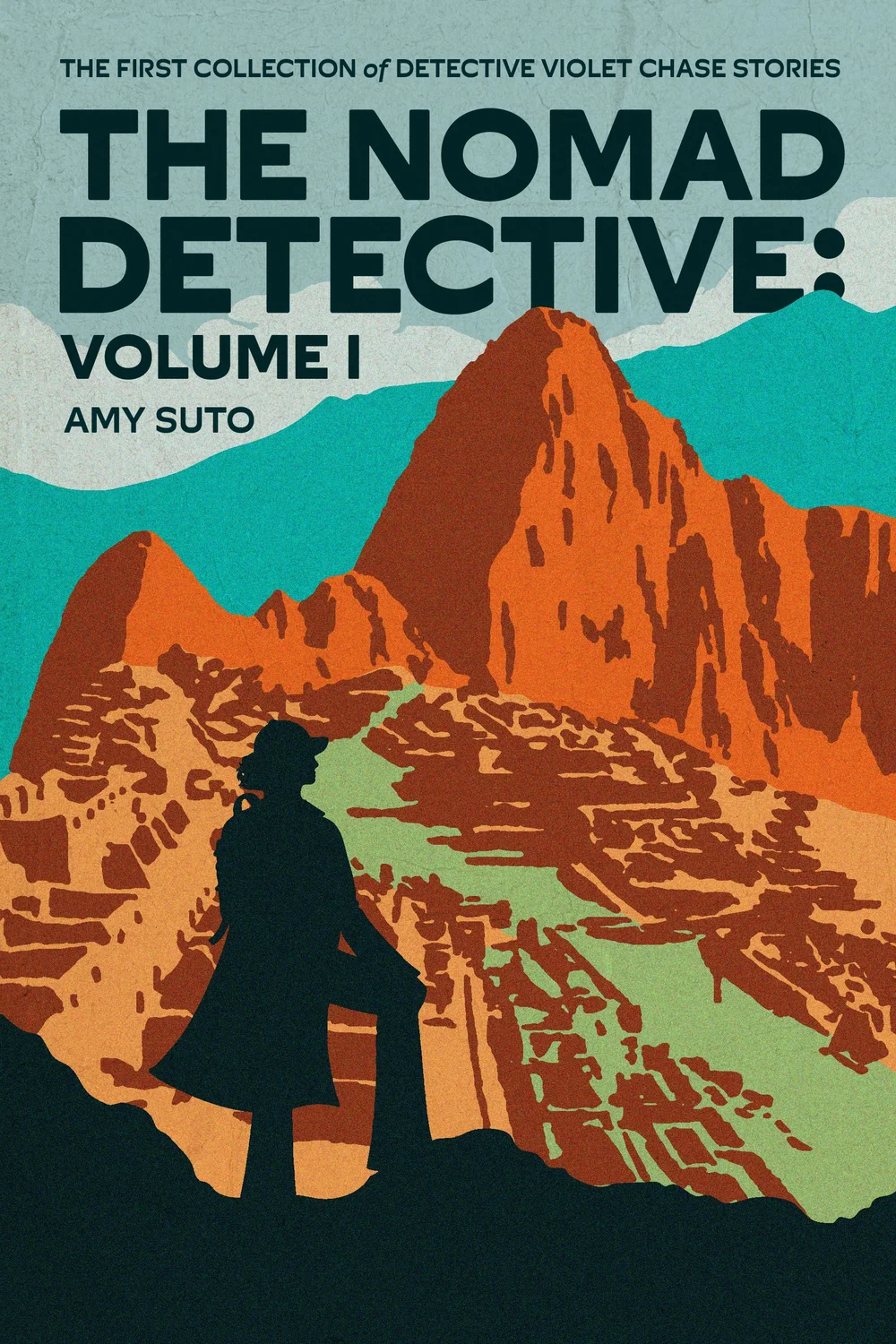
Crime crosses borders, but so does this detective.
MY HOW-TO BOOK: SIX-FIGURE FREELANCE WRITER
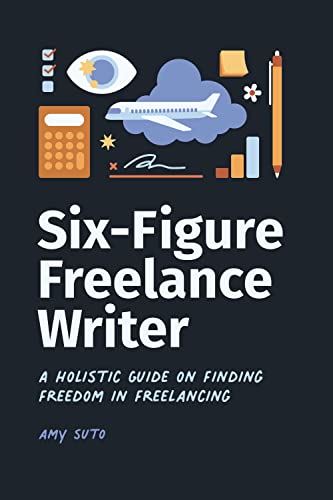
Work smarter, not harder — without the burnout.
RECENT POSTS
JOIN THE WRITING JOB BOARD
FOLLOW ME ON IG @SUTOSCIENCE

![🌁 chapter twenty: no net ensnares me [let me be your ghost]](https://substackcdn.com/image/fetch/w_480,c_limit,f_auto,q_auto:good,fl_progressive:steep/https%3A%2F%2Fsubstack-post-media.s3.amazonaws.com%2Fpublic%2Fimages%2F6b56d429-2b09-4a94-9b0f-415a889b419b_1080x1080.png)